TypeScript Generics With Real Examples
Learn TypeScript generics through small, practical helpers: constraints, typed fetches, Result types, keyof, defaults, and when to skip them.
Part of project: SapaDesa - KKN Bonto Karaeng
On this page
Generics look intimidating in library typings, but in everyday code they solve one simple problem: keeping type information that would otherwise be thrown away. I will build up from small helpers.
The problem: any loses information
Say you write a helper that returns the first item of an array.
function firstAny(items: any[]): any {  return items[0];}
const n = firstAny([1, 2, 3]); // any, so n.toFixed() and n.nope() both compile
The caller gets any back, so the compiler stops helping. A type parameter fixes that by linking the input type to the output type.
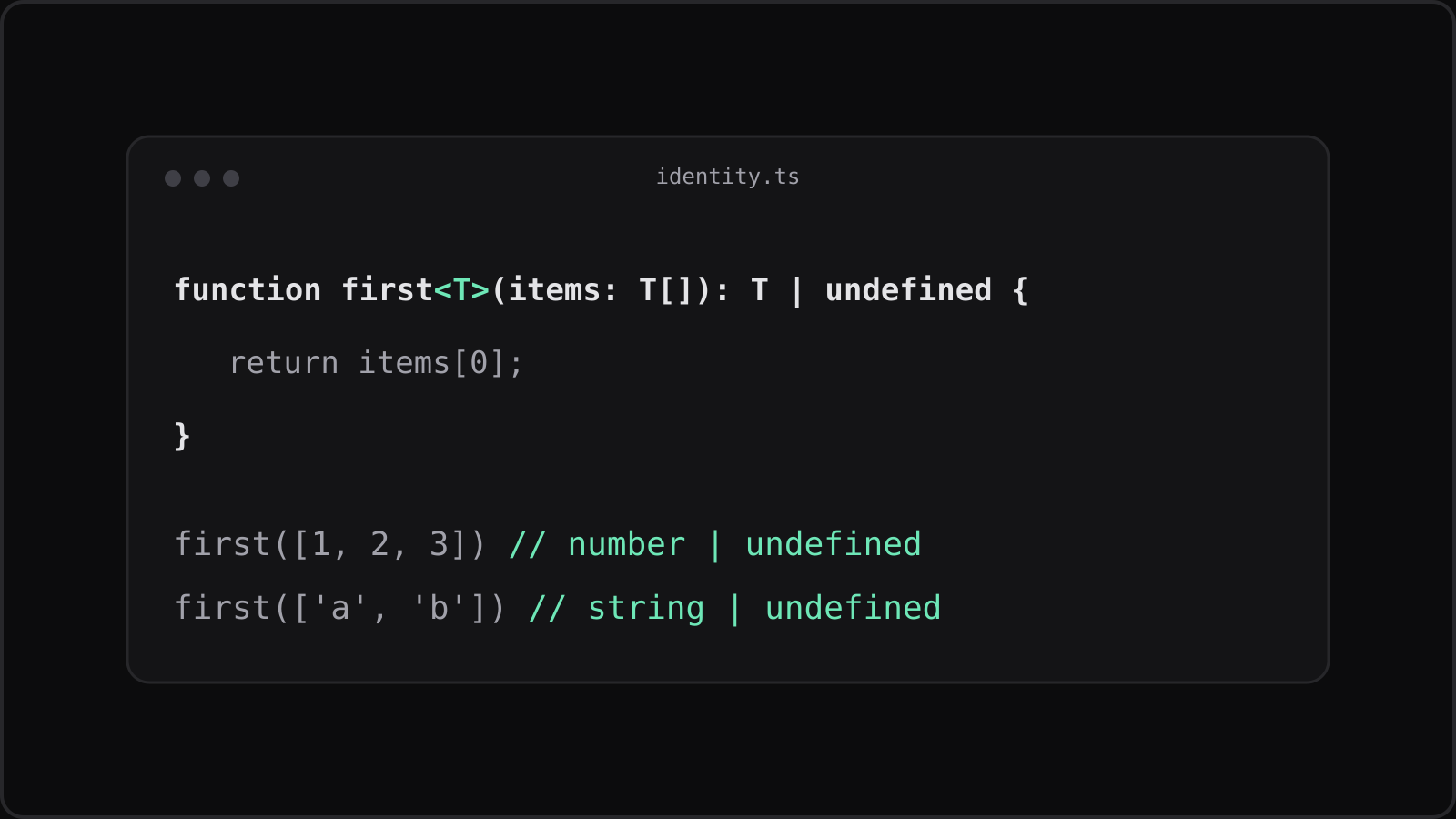
export function first<T>(items: T[]): T | undefined {  return items[0];}
const n = first([1, 2, 3]); // number | undefinedconst s = first(["a", "b"]); // string | undefined
T is inferred from the argument. You rarely need to write first<number>(...) yourself.
Constraints with extends
Sometimes the function needs to know something about T. A constraint says “any type, as long as it has this shape”.
export function byId<T extends { id: string }>( items: T[], id: string,): T | undefined { return items.find((item) => item.id === id);}Callers can pass any array of objects with a string id, and they get back their own full type, not just { id: string }.
A typed fetchJson, and its limits
A generic return type is handy for API helpers. In my budgeting app, I use one like this for every endpoint:
interface Transaction {  id: string;  amount: number;  category: string;}
export async function fetchJson<T>(url: string): Promise<T> {  const res = await fetch(url);  if (!res.ok) throw new Error(`HTTP ${res.status}`);  return (await res.json()) as T;}
async function load(): Promise<Transaction[]> {  return fetchJson<Transaction[]>("/api/transactions");}
Be honest about what this does: as T is a cast. TypeScript trusts you, and nothing is checked at runtime. If the server changes its response, the types will still claim everything is fine. For data crossing a trust boundary, validate it with a schema library such as Zod and infer the type from the schema.
Generic types
Types can take parameters too. A Result type makes failures explicit instead of relying on exceptions.
export type Result<T, E = Error> =  | { ok: true; value: T }  | { ok: false; error: E };
export function parseAmount(input: string): Result<number> {  const n = Number(input);  return Number.isFinite(n) && input.trim() !== ""    ? { ok: true, value: n }    : { ok: false, error: new Error(`Invalid amount: ${input}`) };}
Checking result.ok narrows the union, so value and error are only available where they exist. The = Error part is a default type parameter: callers can write Result<number> and only spell out the second argument when they need a custom error type.
keyof for safe property access
To read a property by name, constrain the key to the keys of the object.
export function pluck<T, K extends keyof T>(items: T[], key: K): T[K][] {  return items.map((item) => item[key]);}
// amounts is number[]; pluck(transactions, "amout") is a compile errorconst amounts = pluck([{ id: "1", amount: 12 }], "amount");
The return type T[K][] follows the chosen key, so "amount" gives number[].
When not to use generics
If a type parameter appears only once in the signature, it is not relating anything to anything. It is probably unnecessary.
function printLength<T extends { length: number }>(value: T): void {function printLength(value: { length: number }): void { console.log(value.length);}Both versions behave the same, but the second is easier to read. Reach for a generic when the output depends on the input, or when two parameters must share a type.
What to do next
Look through your codebase for helpers typed with any or unknown plus a cast, and check whether a type parameter would remove the cast. If you want a refresher on handling the async side of fetchJson, see async/await in JavaScript without the confusion.